
What Are Topics?
Topics are a powerful new taxonomy tool that lets you structure and tag content across your Zapnito community more intelligently. With hierarchical parent and sub-topic structures, Community Managers and Admins can create tailored content pathways that improve content surfacing for your members.
Whether your community is content-rich or just starting out, Topics provide the flexibility and control to align your content with the needs of your audience.
How It Works
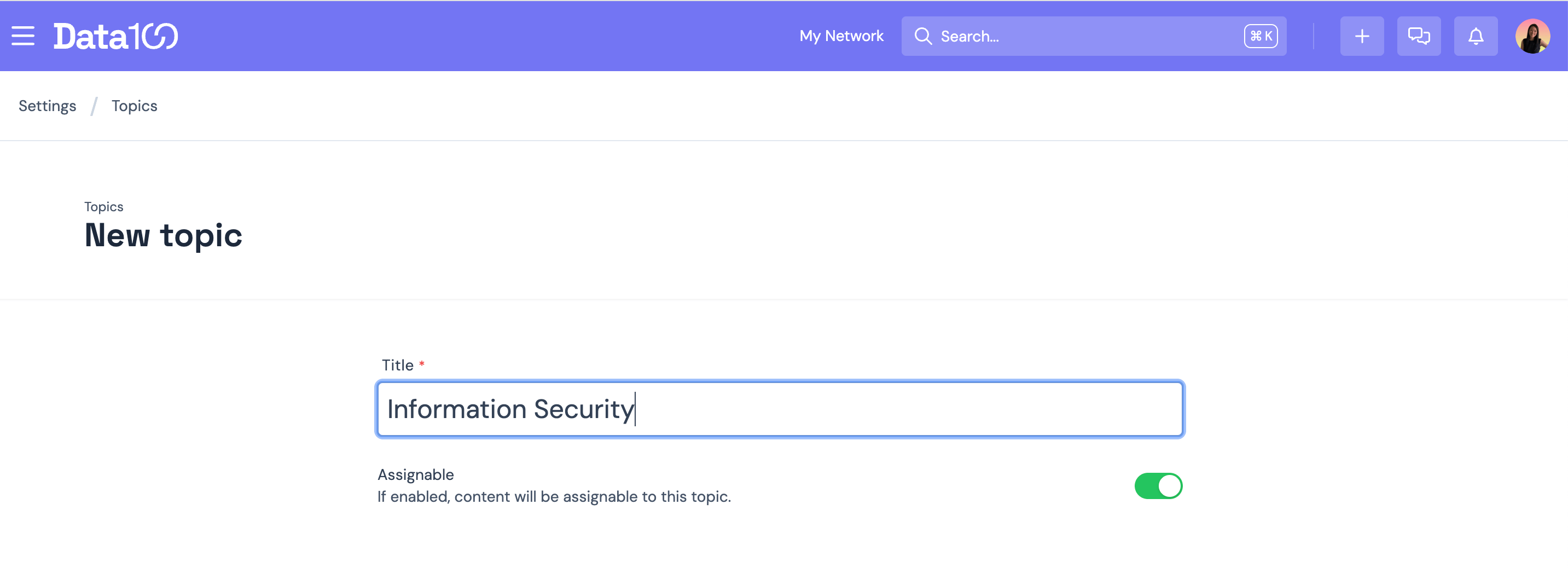
Creating Topics:
-
Head to Settings > Topics
-
Click the +Create Topic button
-
Add a title and decide whether the Topic is assignable to content
-
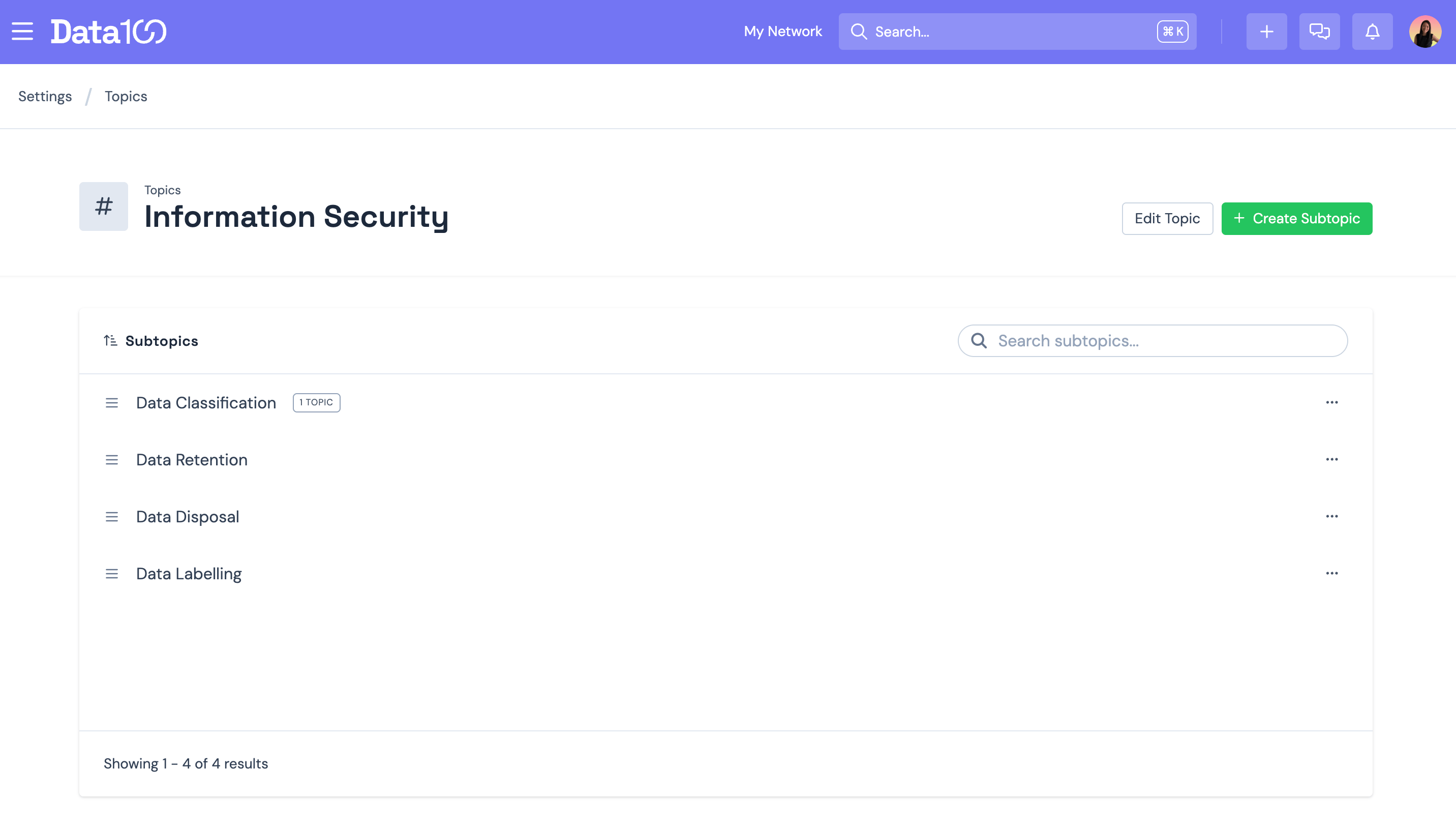
Once a parent Topic is created, you’ll be prompted to add Sub-Topics
-
Use the three-dot menu to manage or edit existing Topics and Sub-topics
- There is no limit to the number of Topics you can create here
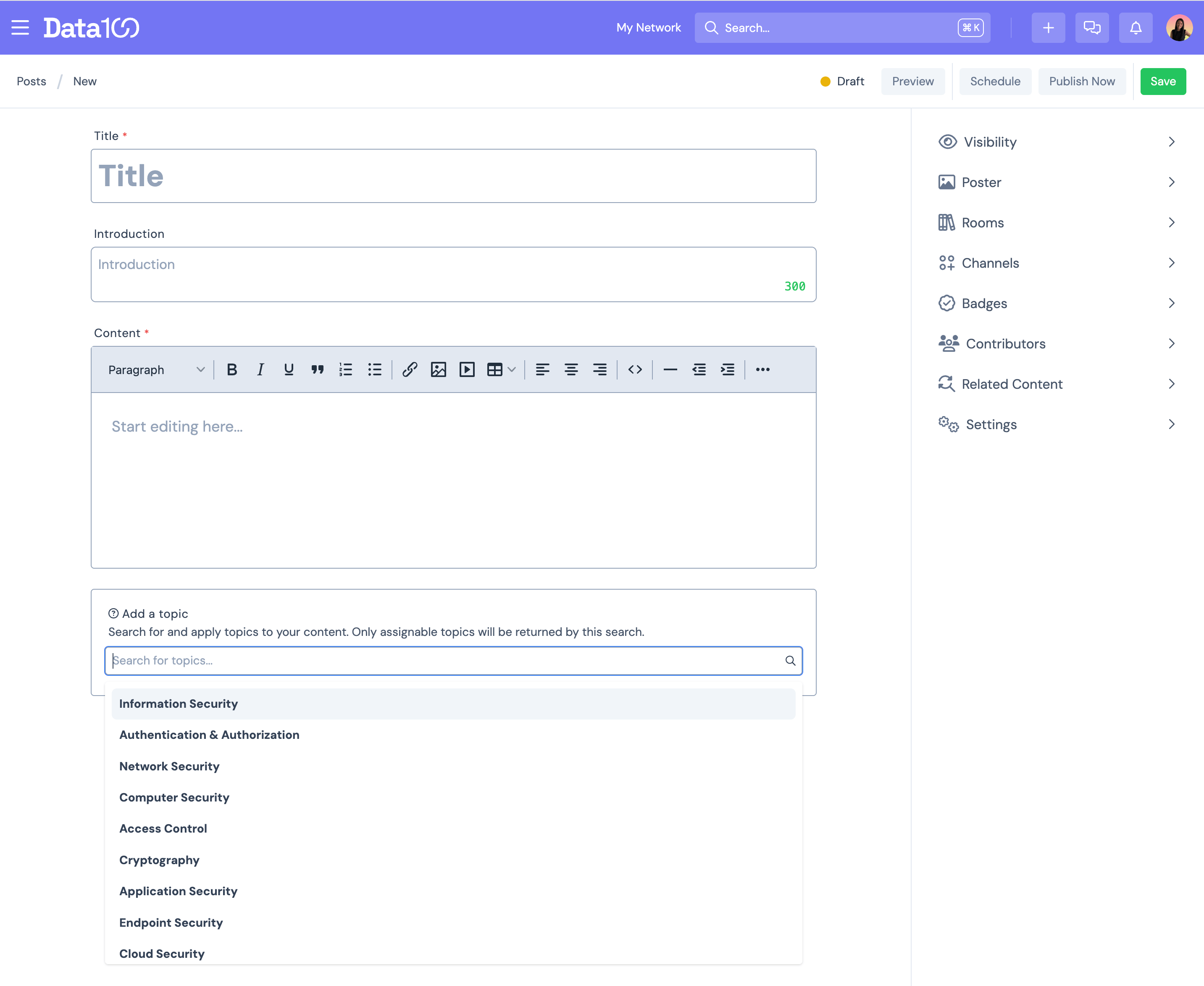
Adding Topics to Content:
-
In the authoring workflow, you’ll see a new Add a Topic field under the content body
- Search for and assign one or more Topics to your article, video or document posts
- Once published, assigned Topics appear in a sidebar on the content page, where users can follow or click through to view all related content on a dedicated topic landing page
Explore Topic Landing Pages
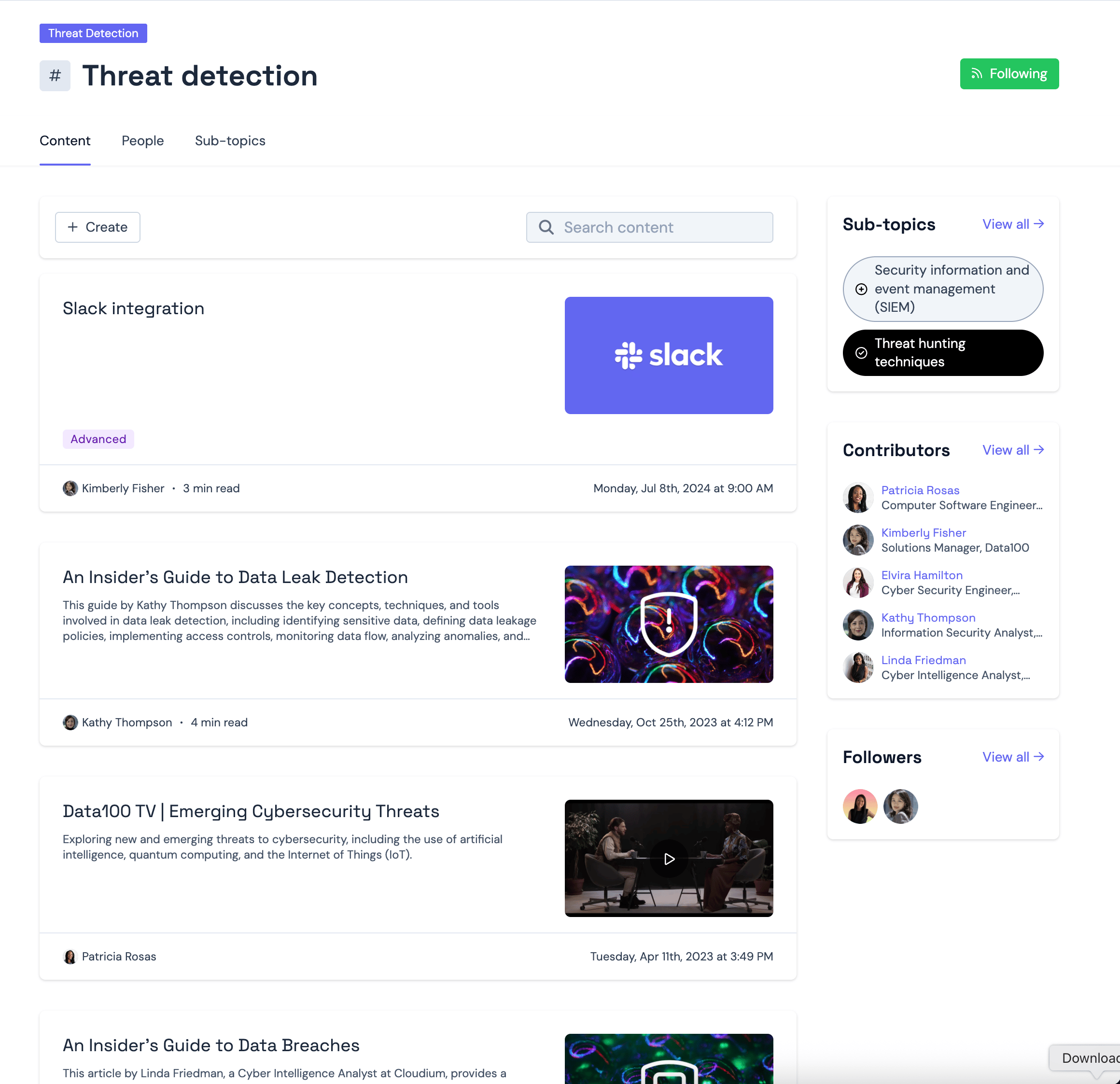
Each Topic has its own dedicated landing page with three tabs to help users dive deeper:
-
Content - Displays all posts tagged to the Topic, sorted by most recent. Includes a search bar for easy filtering.
- People - Lists both Contributors (those who’ve published under the Topic) and Followers.
- Sub-Topics - Shows all related Sub-Topics, helping members discover new areas of interest and follow them easily.
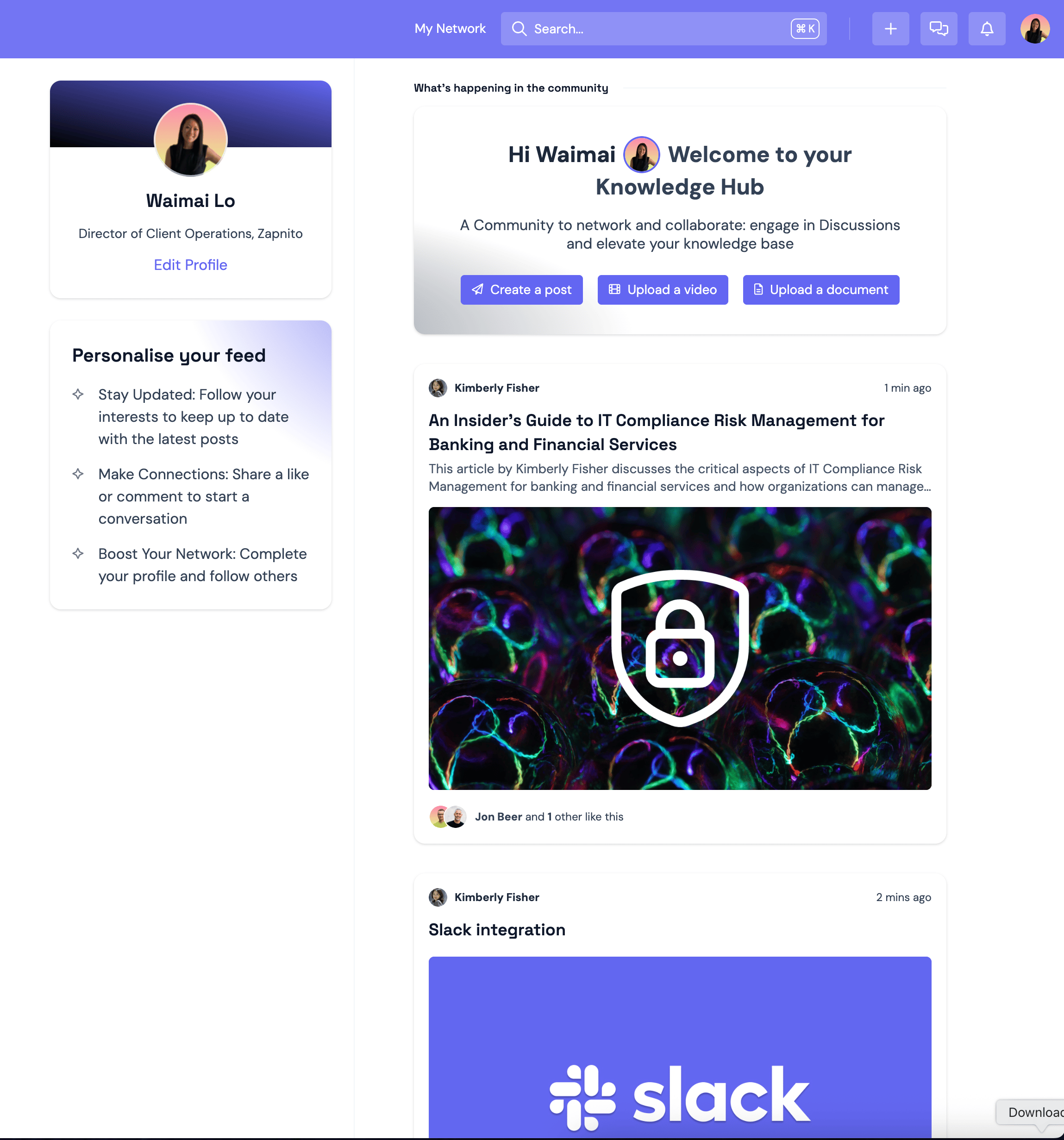
Personalised Activity Feed
When a member follows a Topic, all newly published content tagged to that Topic will appear in their personalised activity feed - making their experience more relevant, engaging, and tailored to their interests.
Ready to Get Started?
We’re preparing to roll out this feature, and it will be available for you to use in the coming days. We’re excited to see how you’ll use it to drive deeper engagement and better organise your content.
To enable Topics in your community, contact your Customer Success Manager or email us at support@zapnito.com
We’d love to hear what you think - please leave your comments or questions below!
Dear Wai,
This is wonderful to see this future coming and I already see this being a great way for us to better organise our content within topics and, as you say make more content more easily discoverable.
One thing I do feel would make this feature even better is the ability to "tag" rooms, courses or even events as related to a specific topic. I don't have the impression from your explanation that this will be possible in this first release, however I really think this would make the whole user experience even better. Indeed, a user might not only be interested to see articles, documents or videos, but also the rooms, courses or events that are related to that topic.
I hope you can consider this for your product roadmap.
Thanks @Charles Andrew Revkin for your feedback - we are really excited about this feature release too!
This is great product feedback for the continued evolution of 'Topics' being added to other modules across the platform. It is already in consideration and I will make a note on your behalf also. We will update you again once this has been rolled out. Stay tuned!
This sounds like a great feature. I think we may be currently using badges to create tags, similar to this, but we do not have the sorting ability nor the dedicated landing pages. We'll have to decide if we want to switch over and begin using Topics instead. Looking forward to discussing with @Alice Bramley-Dymond at our next meeting.
Hi @Meg Bowen
That's great to hear - glad you like this feature release. Badges and Topics can be utilised simultaneously (eg. Badges could be used for more generic tags, whereas Topics provides a deeper, hierarchical taxonomy tagging tree). Or to your point above, you can switchover to Topics and replace your existing Badges. Your users will have the added advantage with Topics they follow being pulled into their Activity Feed updates (if this is also enabled on your Zapnito Community).
Looking forward to seeing how this gets adopted by your team!
CC @Alice Bramley-Dymond